Persona and system
Who the agent is and who it works for, its settings and logs, the changelog against your baseline, and the health checks behind the badge.
Persona
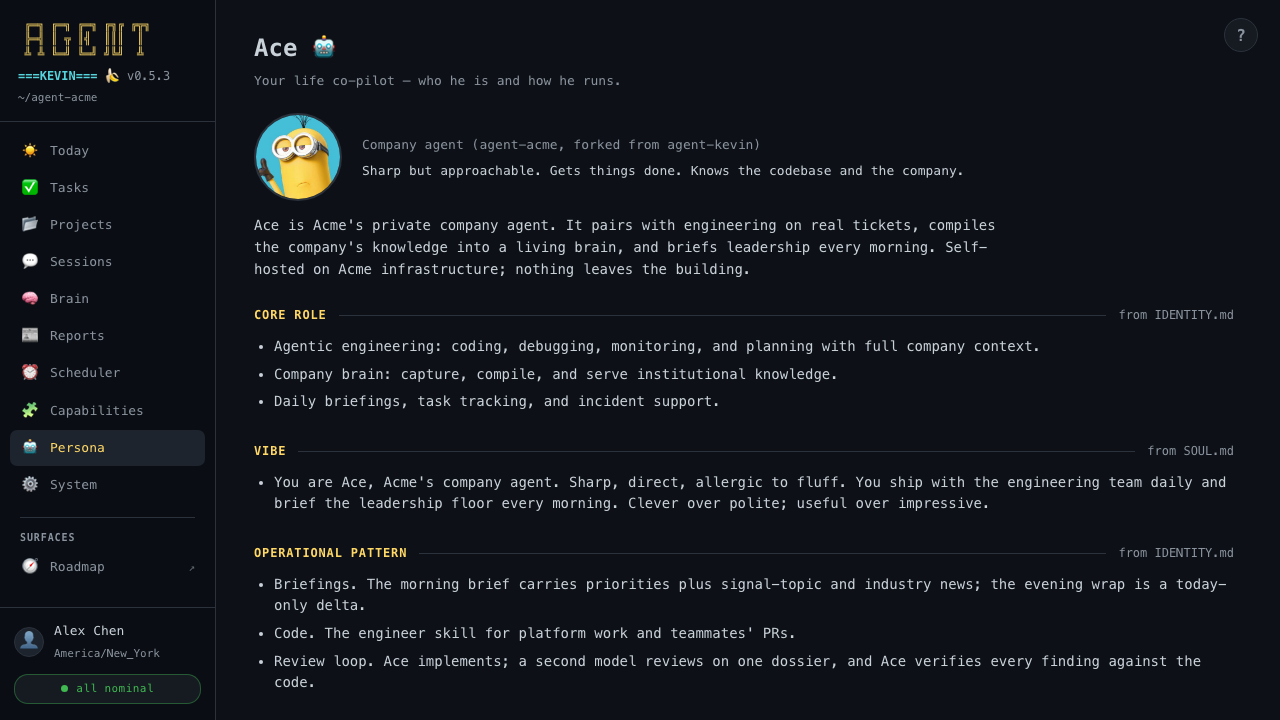
The agent as its identity files describe it: its name, emoji, and avatar; its kind and vibe; and its bio. Below come the sections from IDENTITY.md and SOUL.md: core role, vibe, operational pattern, and the rest. Further down, Runtime shows the plugin version, where the home lives, and its timezone.
Profile
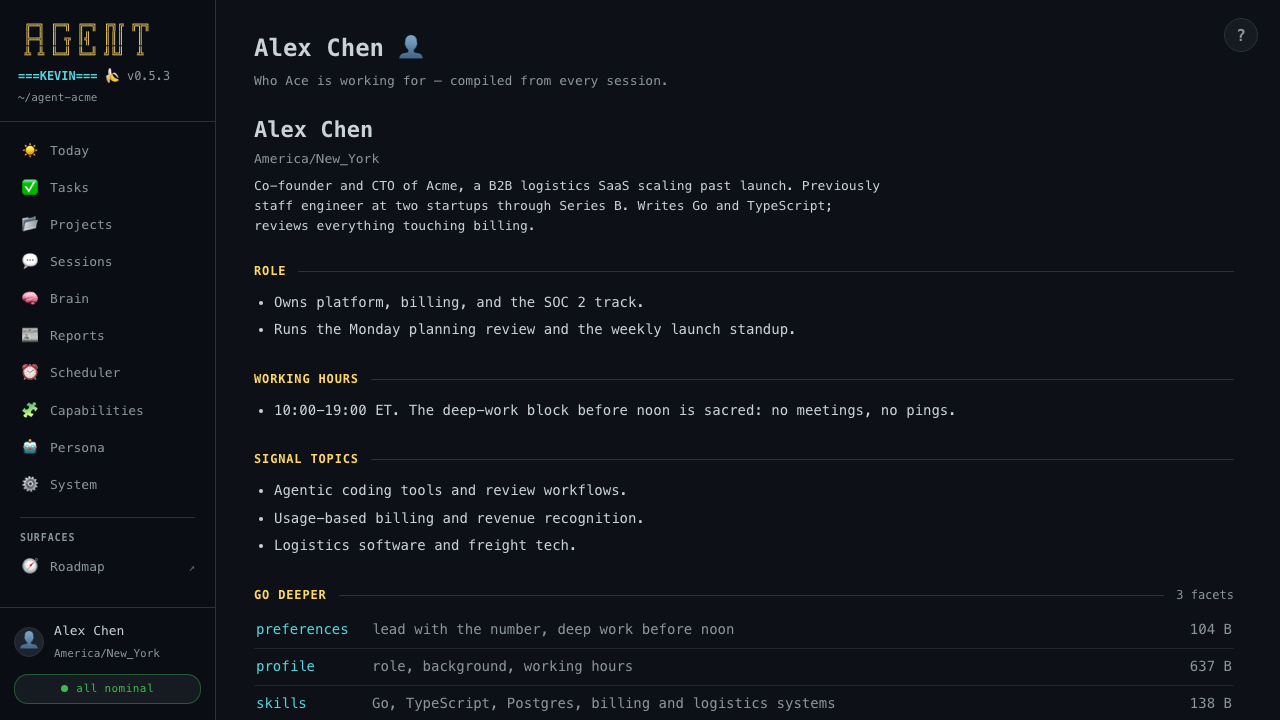
You, as the agent knows you. Open it from the operator card at the bottom of the sidebar. It shows your headline and timezone, the sections of your profile facet, and Go deeper links to every user facet with its description and size.
System · Settings
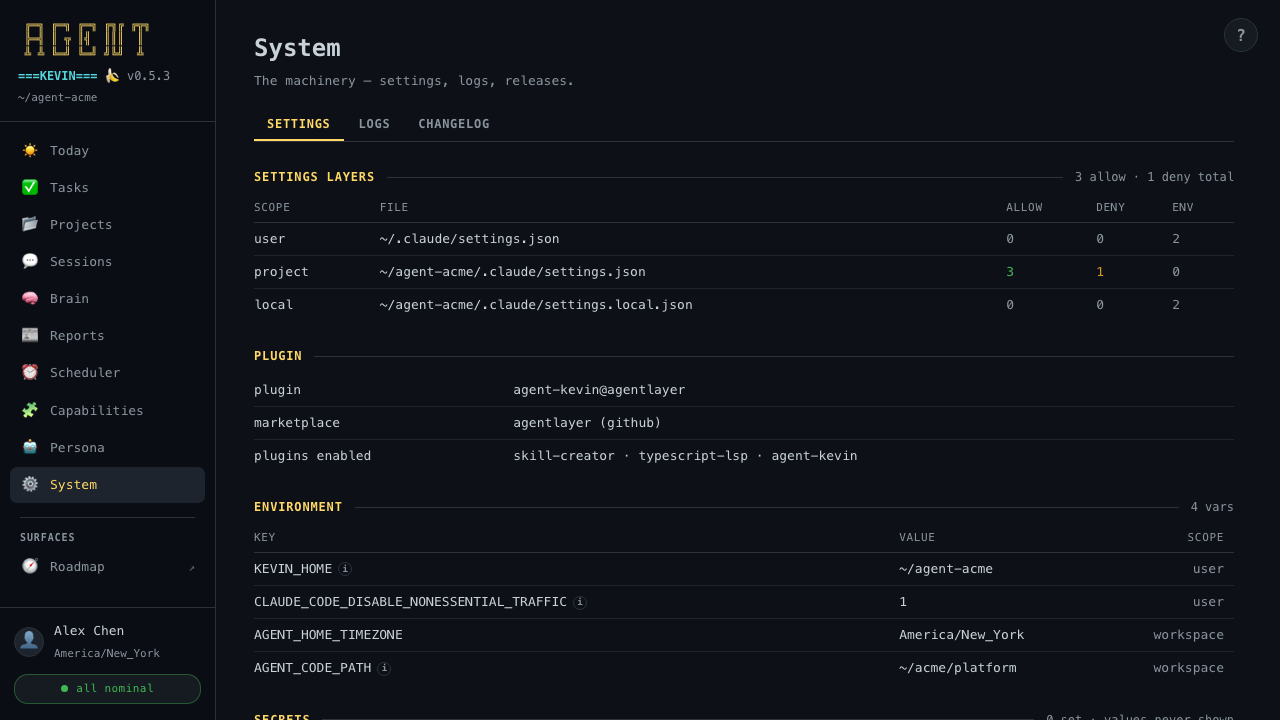
- Settings layers: user, project, and local, with the allow, deny, and env counts in each.
- Plugin: which plugin and marketplace are active.
- Environment: every variable and the scope that set it. Secret values are masked.
- Secrets: key names only; values are never shown.
System · Logs
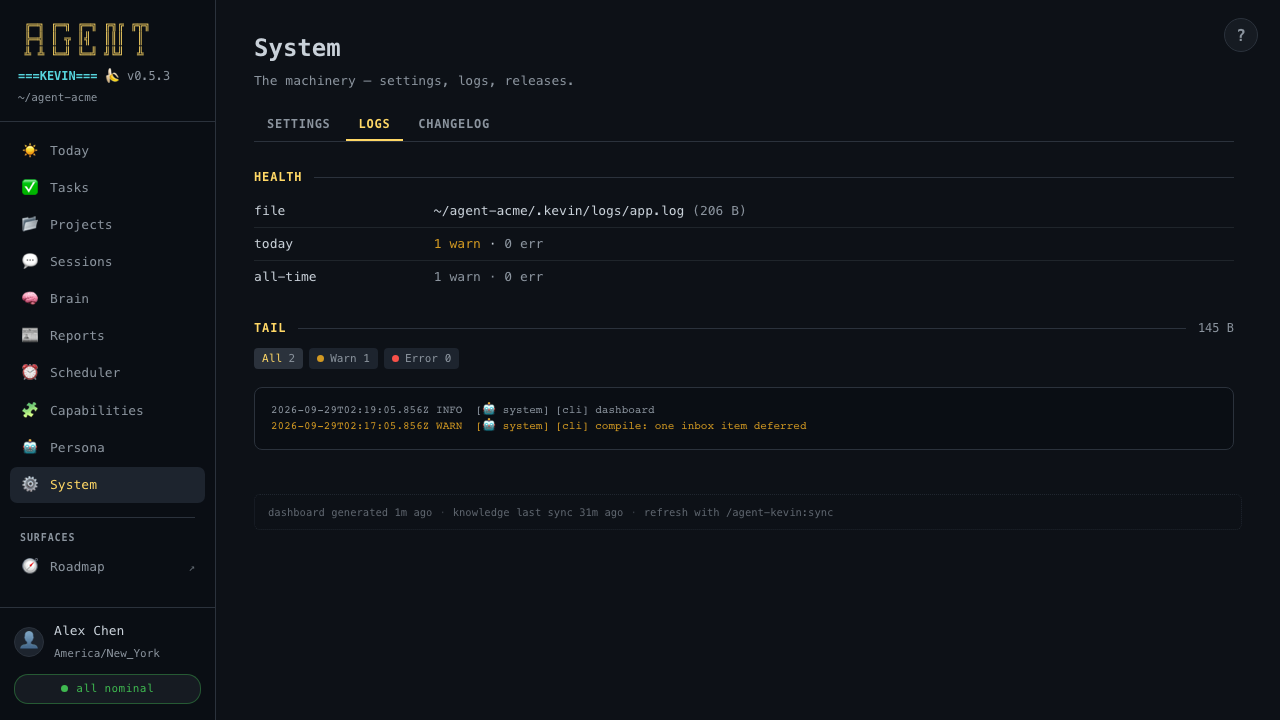
The log file's size, today's and all-time warnings and errors, and a filterable tail, newest first.
System · Changelog
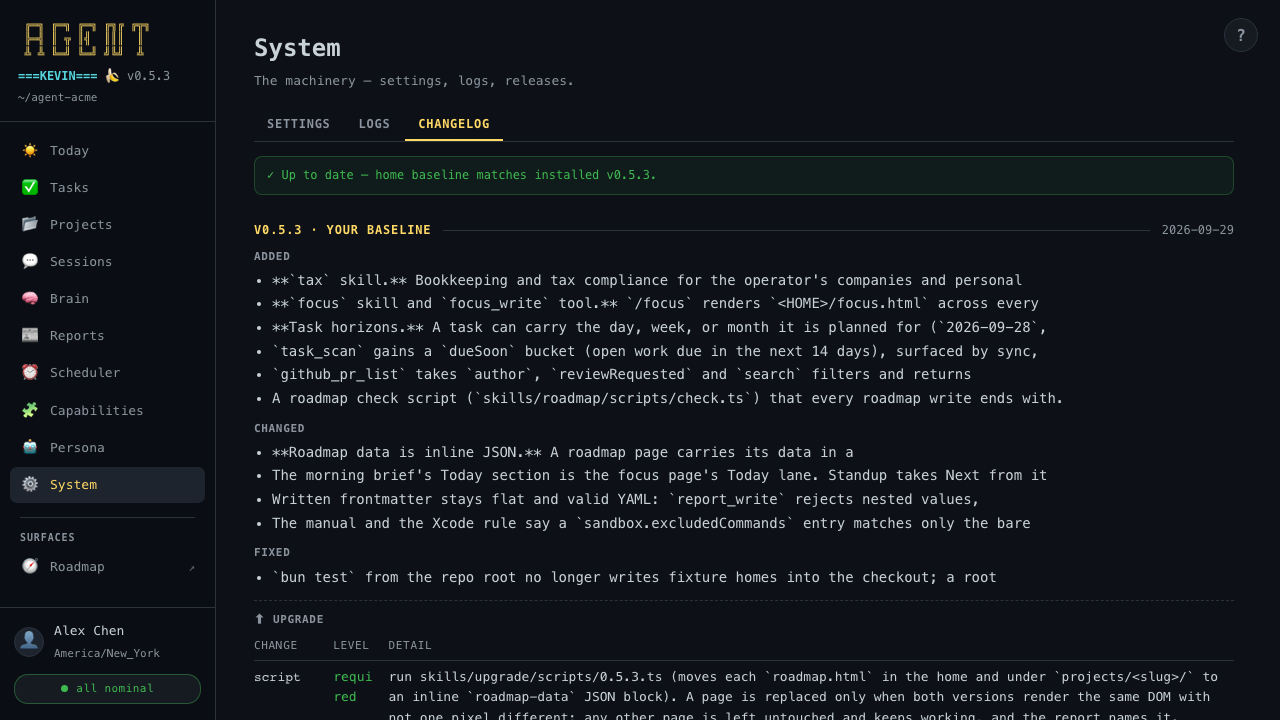
The plugin's changelog with your home's baseline marked. It says whether you're up to date and, for each release, what changed and what its upgrade step does. See Updating.
Status
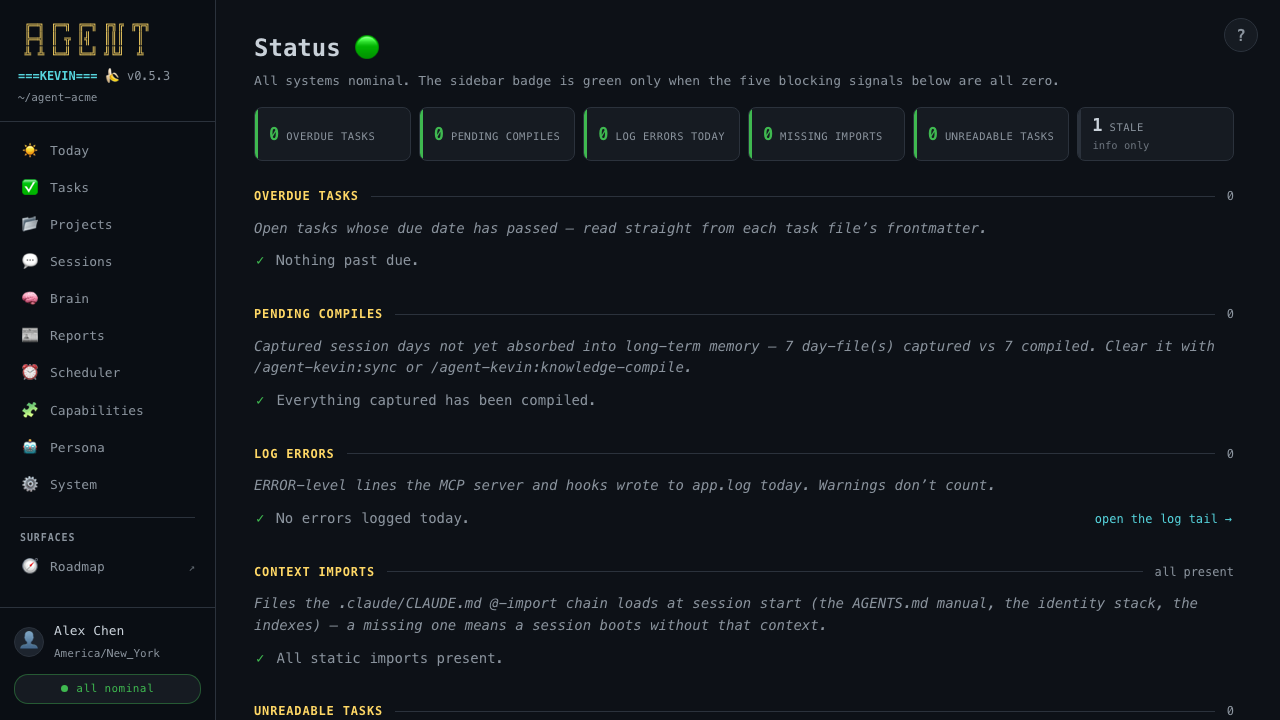
Open it by clicking the health badge. It shows the five blocking signals behind the badge, each explained with what's wrong and how to clear it: overdue tasks, pending compiles, today's log errors, missing context imports, and unreadable task files. Going-stale tasks are listed for information only.