Editor and tools
VS Code as the viewer, Obsidian as the brain reader, MarkEdit for documents, Tower for git review.
VS Code, not Cursor
If the terminal is now where agents do the work, Cursor is overkill: its whole pitch is an AI layer in the editor, a second AI surface you do not use. Plain VS Code is enough for reading diffs, quick manual edits, and extensions. The editor becomes a viewer and tweaker; the terminal is the cockpit.
Obsidian
Kevin's memory is markdown with [[wikilinks]], and so is almost everything an agent touches: tasks, READMEs, plans, reports, articles. Open <HOME>/ as an Obsidian vault and the tree comes alive.
- A real markdown workspace. Browse and edit
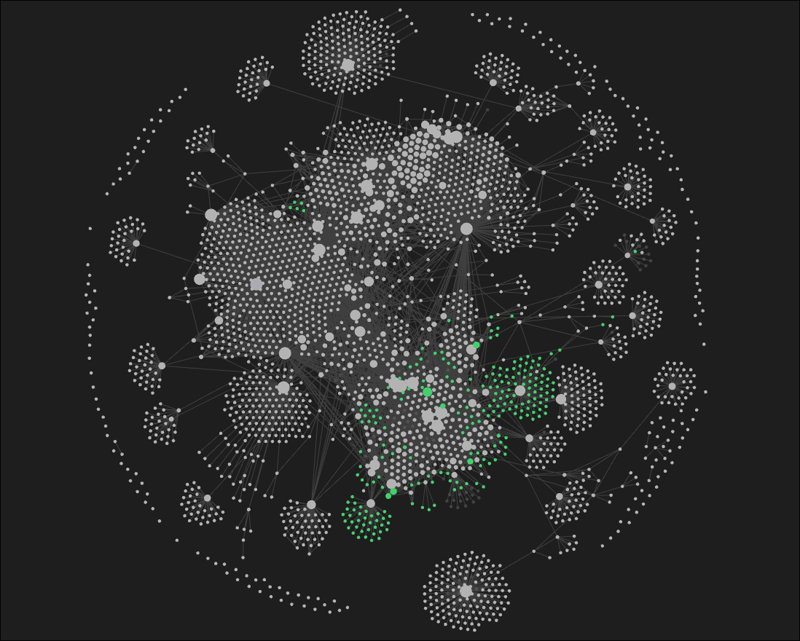
projects/,knowledge/, reports, and daily memory with rendering, outline, search, and tags. - Graph view turns the knowledge base into a visual map. You can see what is densely connected and what is orphaned.
- Wikilinks and backlinks work the way Kevin wrote them.
- HTML-viewer plugins open the dashboard rendered inside Obsidian, next to the notes it summarizes. With
MARKDOWN_URLat its default, dashboard links open notes in a new Obsidian tab.
MarkEdit
MarkEdit is a free, open-source, native-Mac markdown editor with Quick Open, Quick Look, and a live preview pane through the markedit-preview extension. The payoff is a clean Markdown → HTML → PDF pipeline for anything that should look designed: a business plan, a one-pager, a report Kevin generated. Style the exported HTML with your own stylesheet, then print to PDF, or hand the HTML to Kevin's browser_pdf tool with the CSS applied.
Tower
VS Code's built-in git is fine for staging a quick commit. For reviewing history, diffs, and branch topology it is cramped. Tower gives a clear commit graph, readable side-by-side diffs, stage-by-hunk, fast branch navigation, and a first-class worktree manager. When you are reviewing what three agents did across three worktrees before merging, a real git client earns its keep.